One big button.
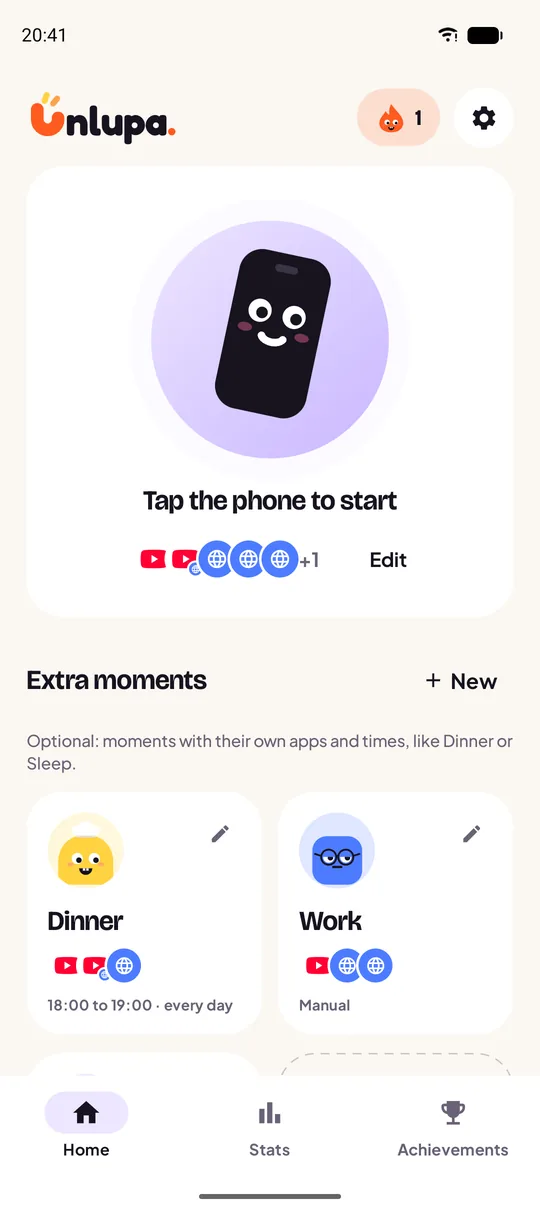
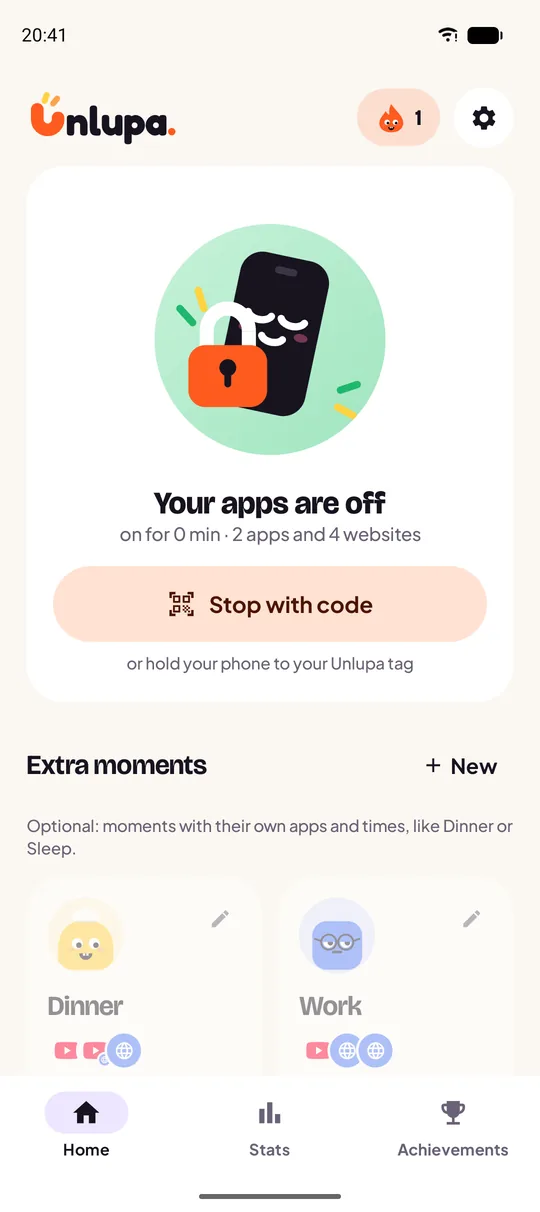
You open the app and see straight away what it is about. Tap the phone and everything you picked closes. Your streak is at the top right, your extra moments below.
Look inside the app
No screens full of settings. Just calm, cheerful and clear. These are real screens from the app.
You open the app and see straight away what it is about. Tap the phone and everything you picked closes. Your streak is at the top right, your extra moments below.
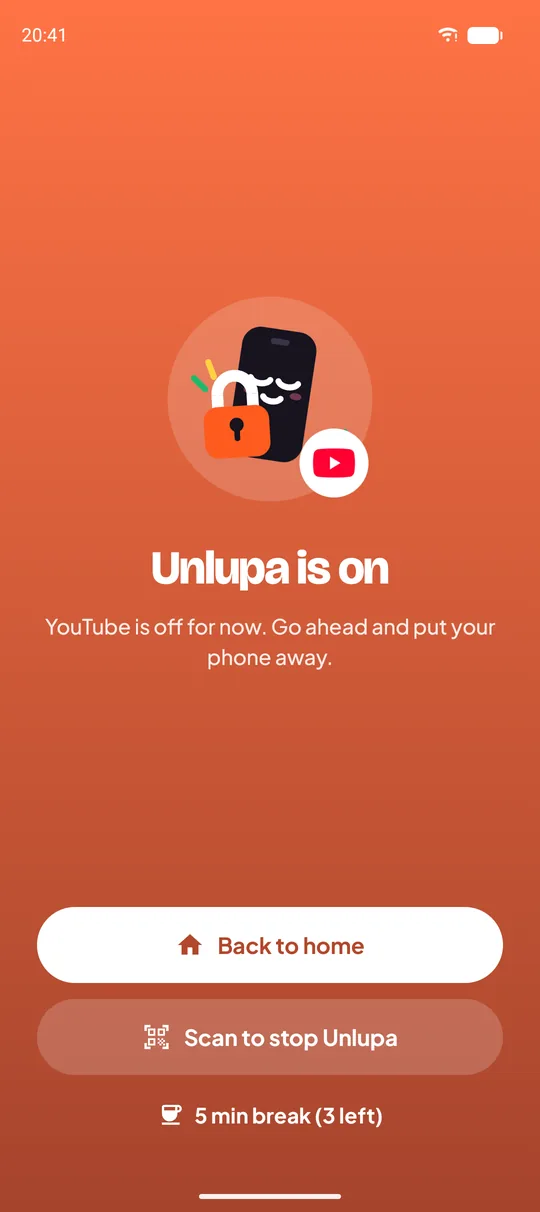
Open an app or website that is closed anyway? Then you get this screen. No guilt, just a moment to think. Only your code opens everything again.
Type a website or tap a suggestion. youtube.com keeps m.youtube.com closed too. Works in Chrome, Firefox, Samsung Internet, Edge and more.
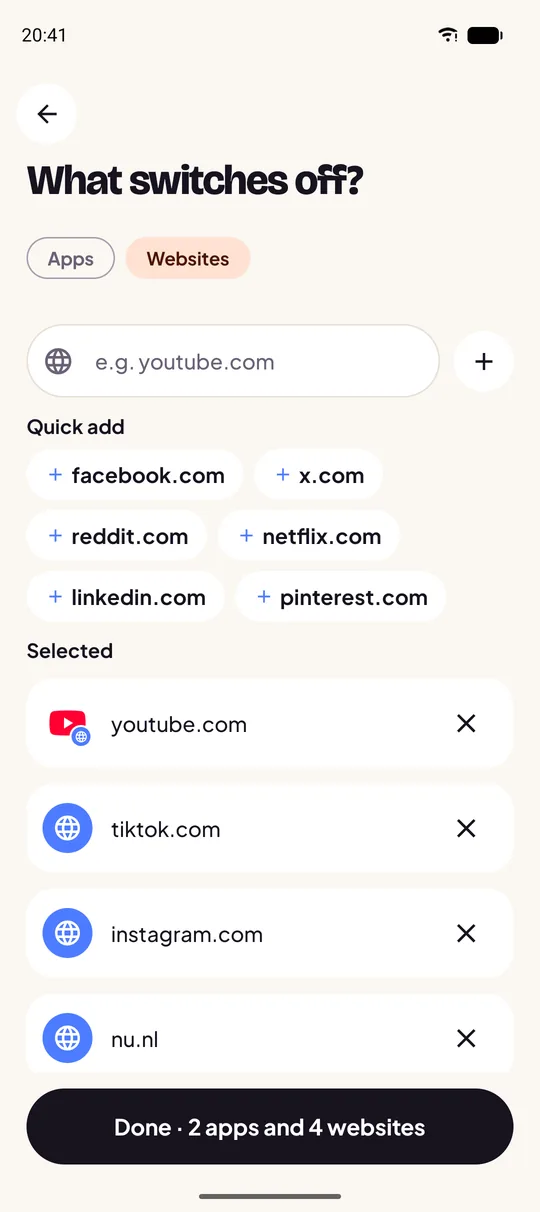
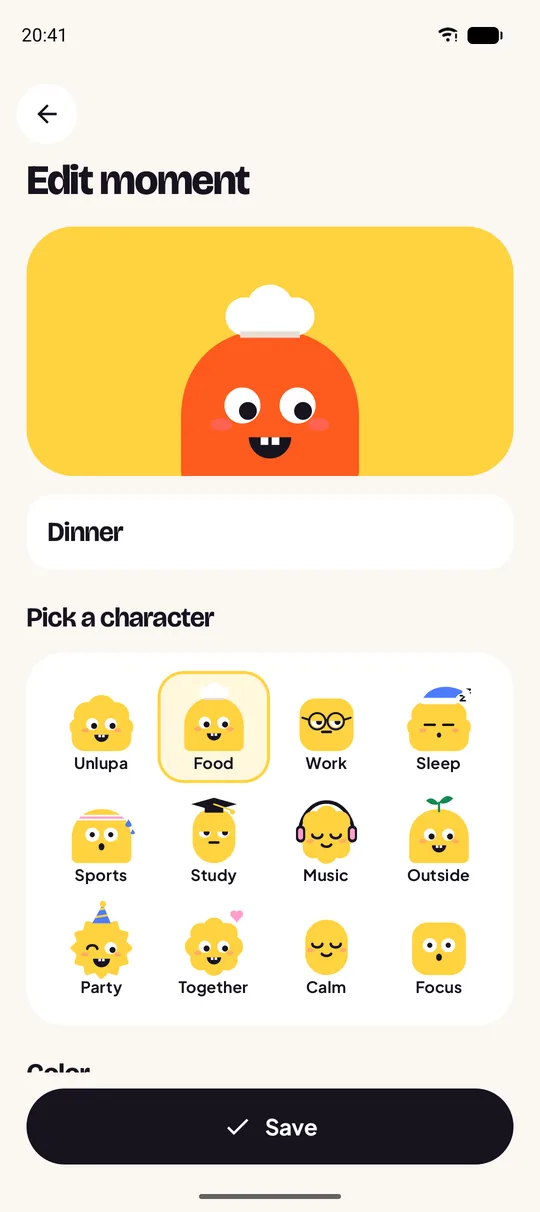
Give each moment its own character, colour, apps and times. Turn on automatic start and Unlupa begins by itself, every evening at six.
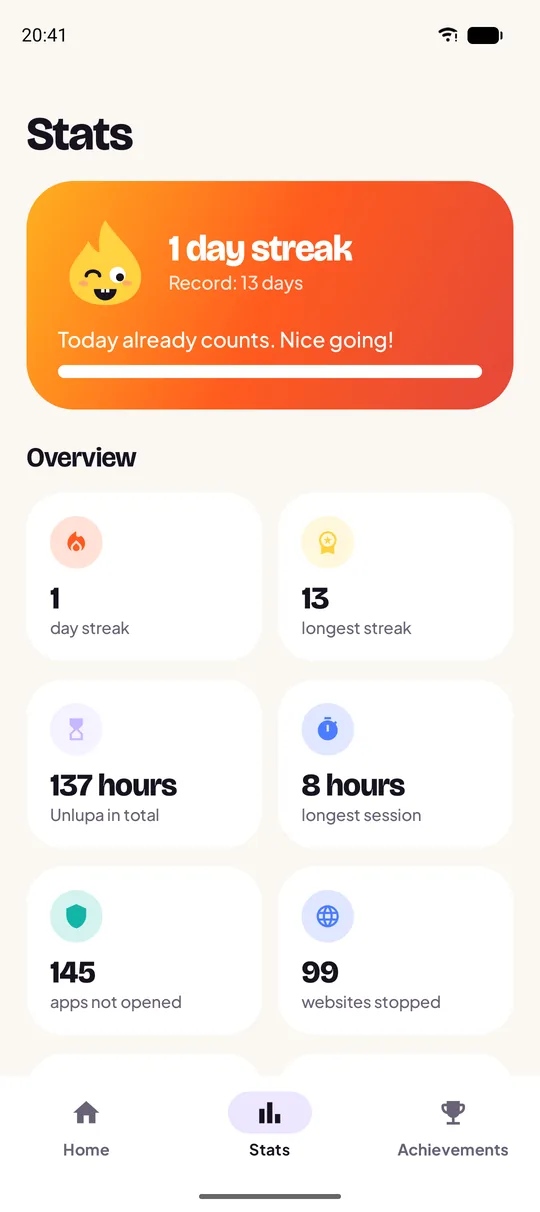
Days in a row, your longest session, total hours, your best day and which apps you resisted most. All at a glance.
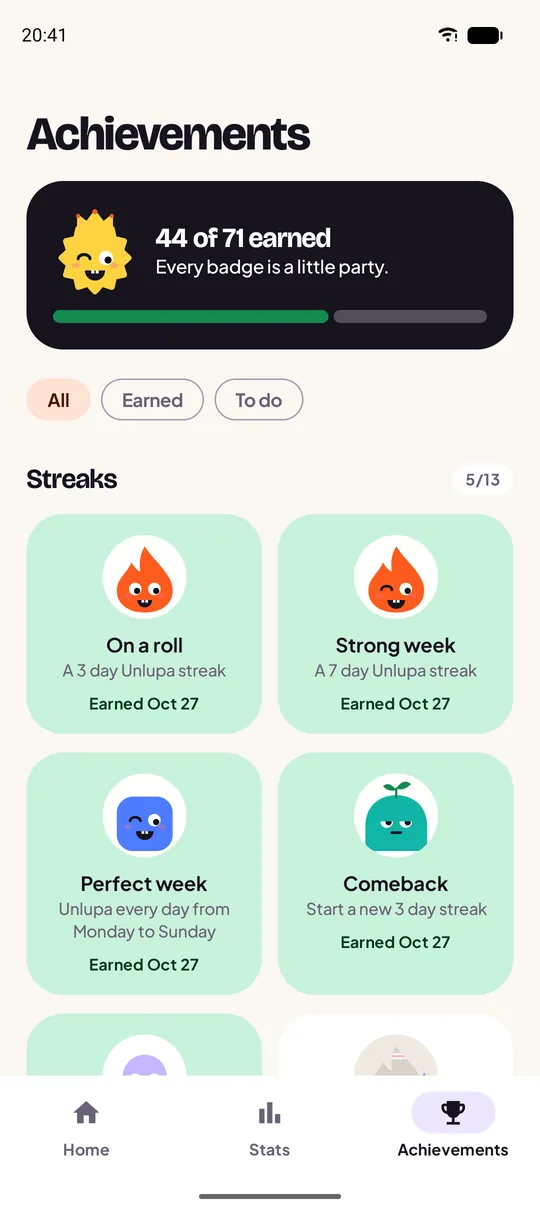
From On a roll to Screen free Christmas. Every badge has its own character. And you earn them for yourself, not to beat anyone.
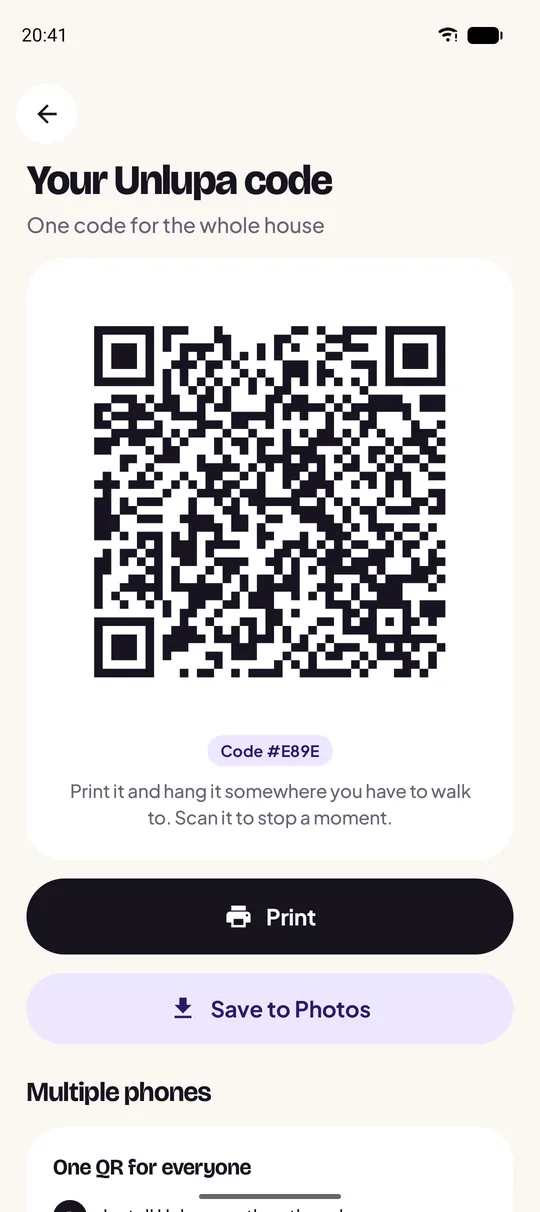
Your own QR code, ready to print or keep. Put it on an NFC sticker or link other phones in your home to the same code.